Compatibility
This theme is compatible with a wide range of environments.
- Sphinx >= 8
- Popular Sphinx extensions
- Major desktop and mobile browsers
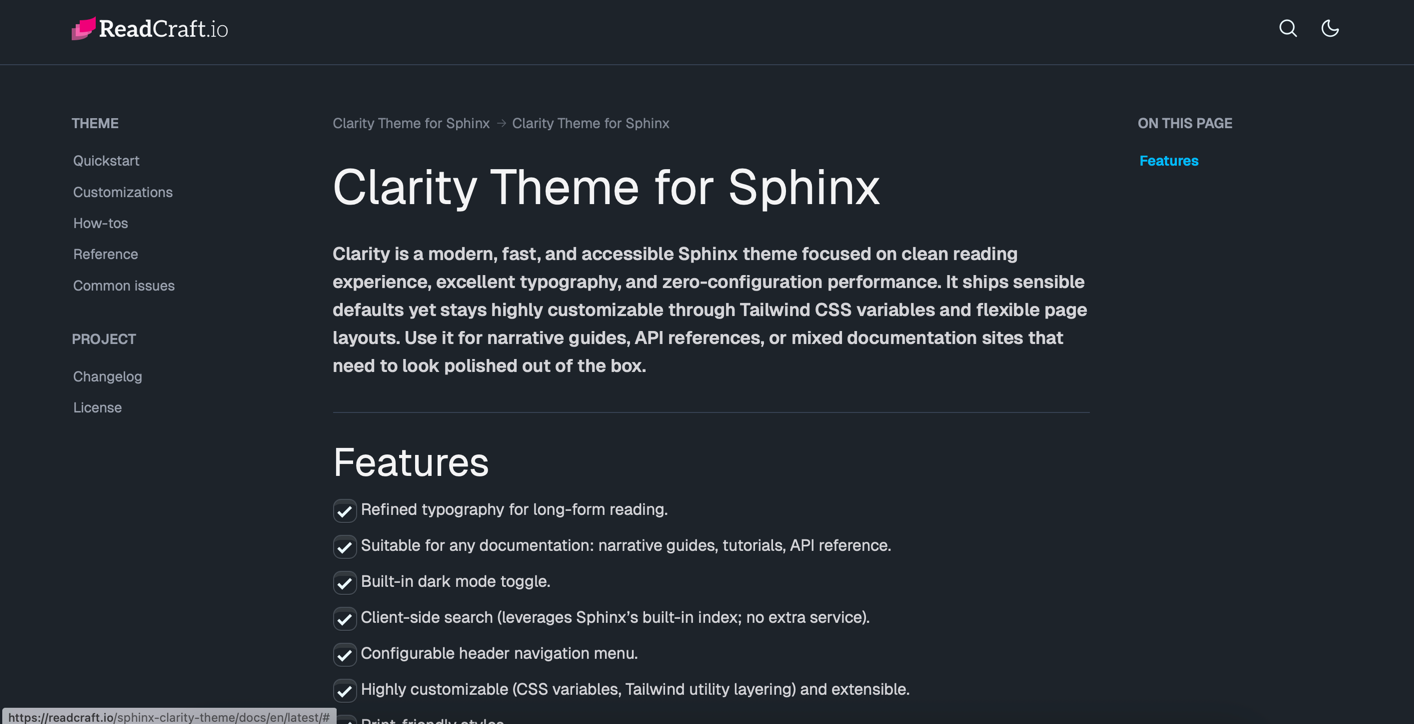
A clean and professional documentation theme for Sphinx. Modern design with light/dark mode, responsive layout, and beautiful typography.
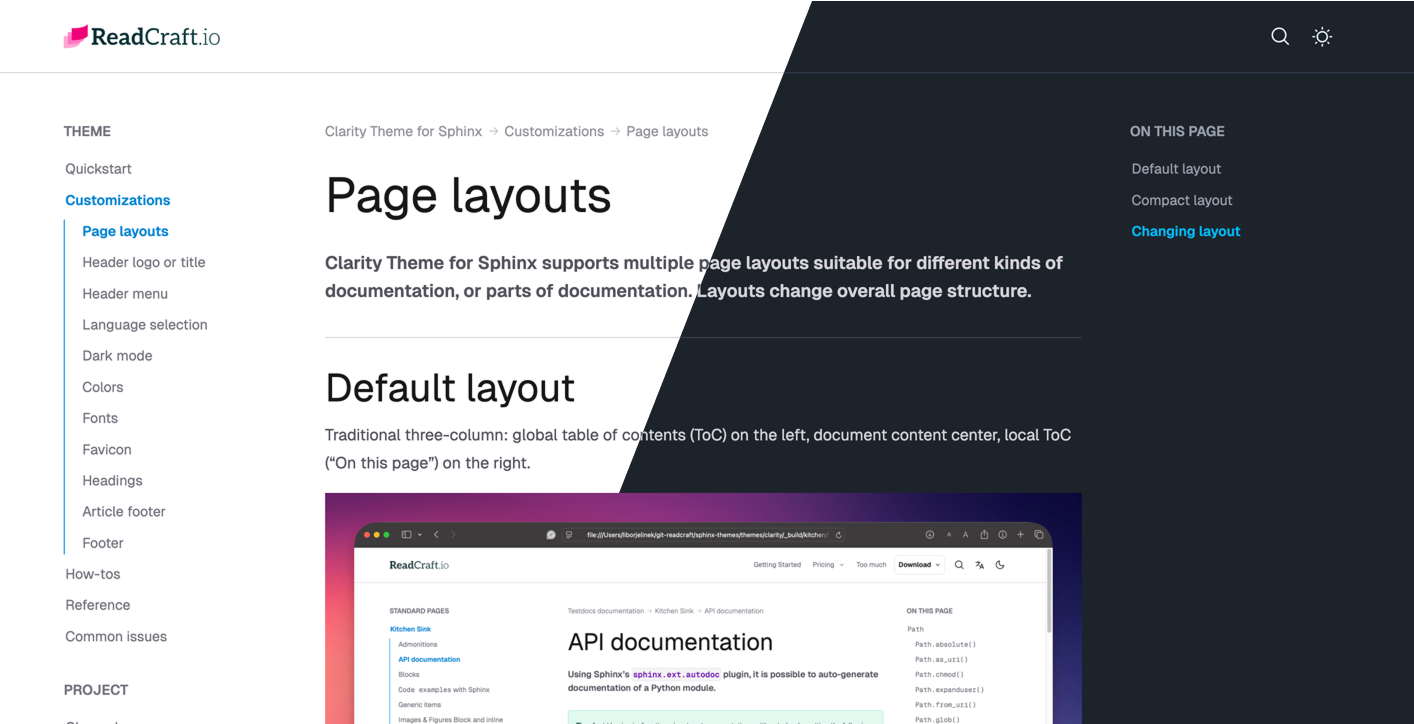
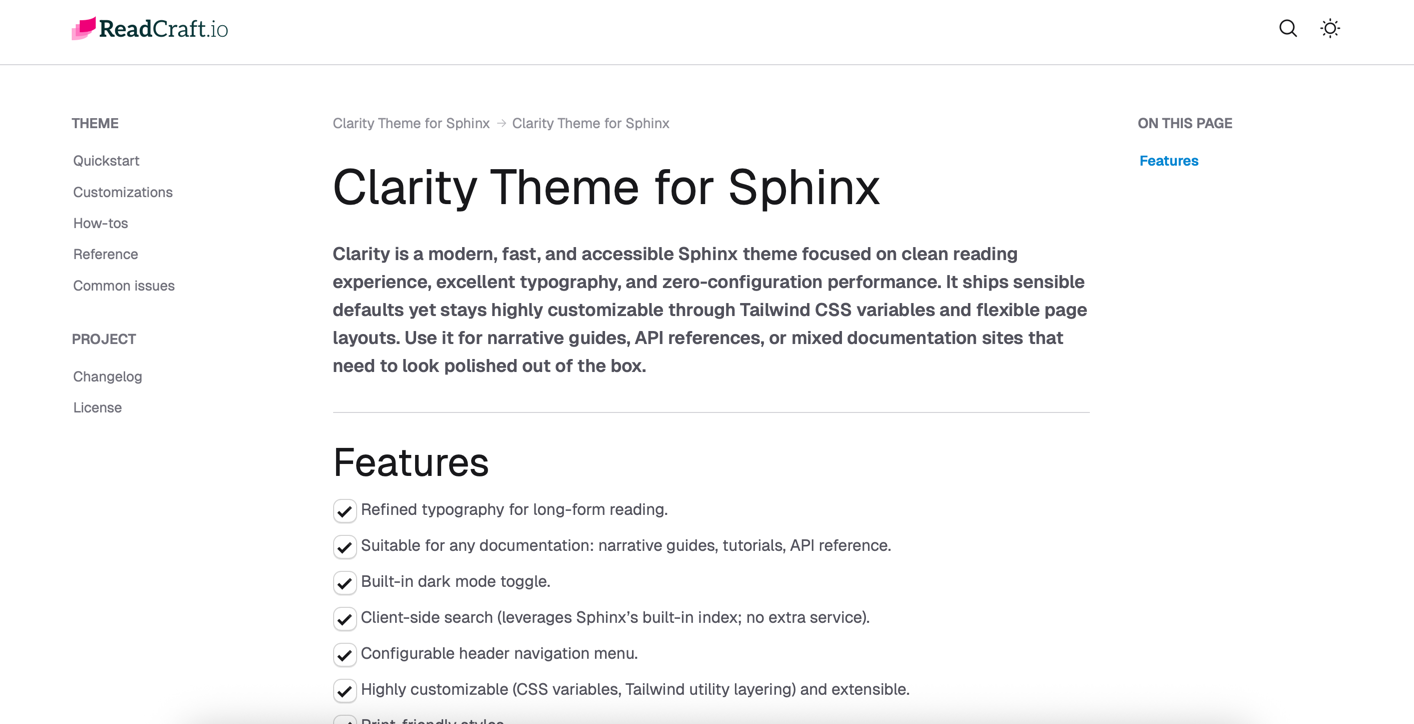
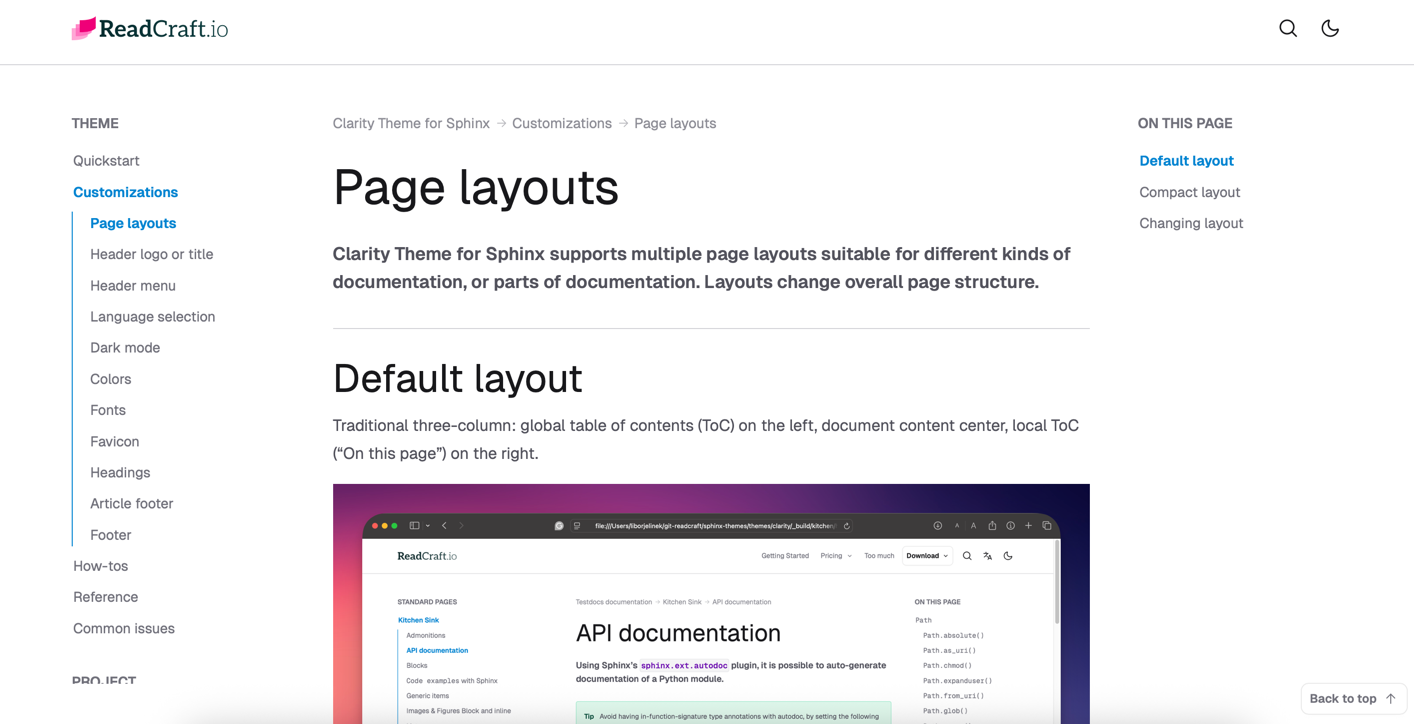
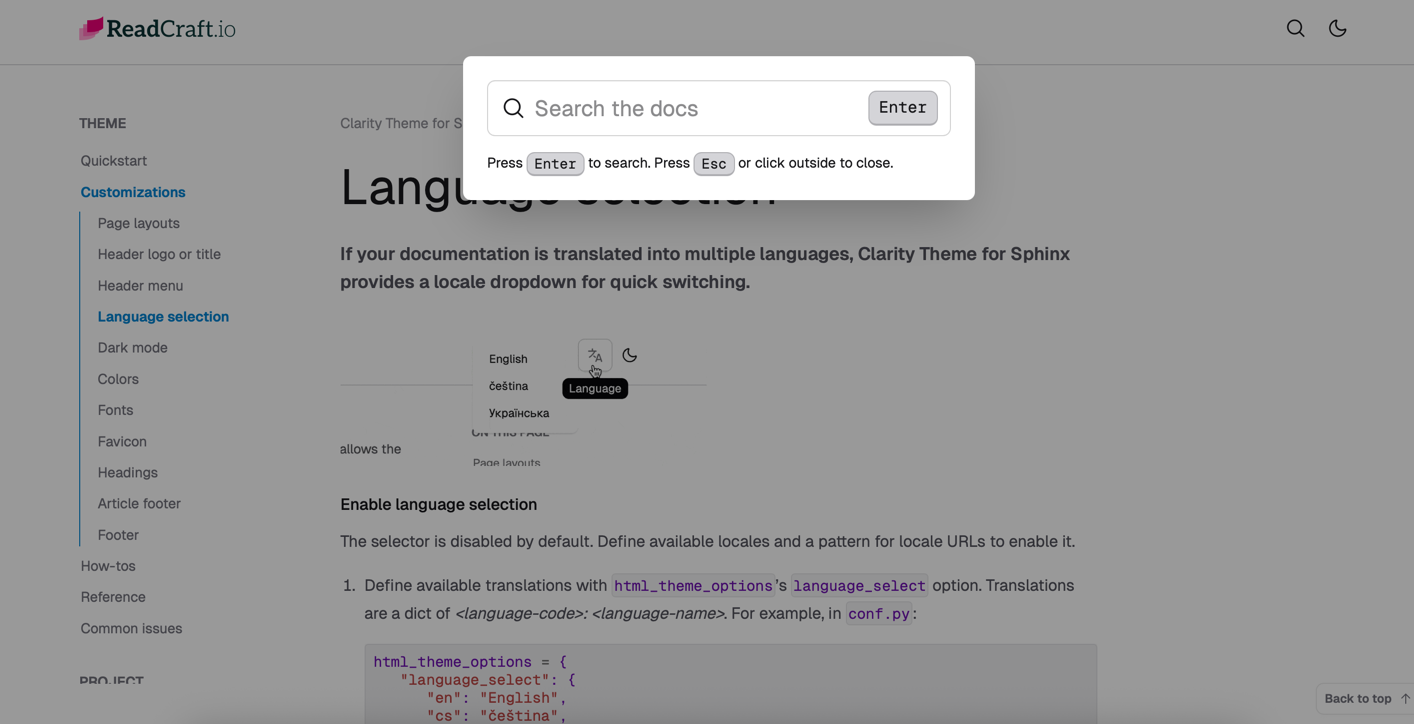
Different page layout for different documentations. Traditionally 3 column or compact 2 column layout.
Fully responsive design. Optimized for best experience on both mobile and desktop screens.
No React, no Vue — just pure HTML, CSS, and minimal JavaScript = speed and stability.
Full 100 performance Lighthouse score. Blazing fast for people and search engines.
Whether you're building a new project or enhancing an existing one, this theme offers the flexibility and features you need to succeed.
This theme offers an intuitive layout and customizable components for creating clear, attractive documentation.
This theme is compatible with a wide range of environments.
A modern tech stack to ensure compatibility and performance.

All files needed for easy installation. The theme is distributed as a Python wheel (.whl) containing the theme's HTML, CSS, JavaScript, and Python code.
ReadCraft themes are dual-licensed. You can choose between:
You choose the license that best fits your project. You can always start with MIT and upgrade later.
You should consider a Commercial License if:
Yes, the MIT license allows commercial use.
The difference is not permission to use commercially, but comfort, support, and professionalism. The Commercial License primarily gives you:
No. You do not own the theme itself. The theme is licensed, not sold.
You own:
The original theme and its intellectual property remain the property of the licensor.
Unlimited. All licenses allow:
Licenses are not per seat. They are granted per project or organization, depending on the license type.
Yes. You may modify the theme to fit your project's needs.
However, you may not:
Yes. Both licenses allow client work, but:
If you regularly work with multiple clients, All-access is recommended.
Bonus assets are allowed for client projects but may not be redistributed.
Yes. All-access is ideal for:
It provides maximum flexibility within a single organization.
Yes. You can upgrade at any time if:
Upgrade terms can be handled individually if needed.
No.
You may not:
This applies to both MIT and Commercial licenses.
Yes. Multiple versions, environments, or deployments (e.g., staging, production) of the same product count as one project.
Please contact us if you are unsure.
Yes. We offer a 30-day money-back guarantee on all paid licenses.
If you're not satisfied, we'll refund your payment, and your use of the theme will simply revert to the MIT License terms (including attribution).

Themes that help teams ship documentation that looks professional and remains readable over time.
Get release notes, design tips and special offers — unsubscribe anytime.