
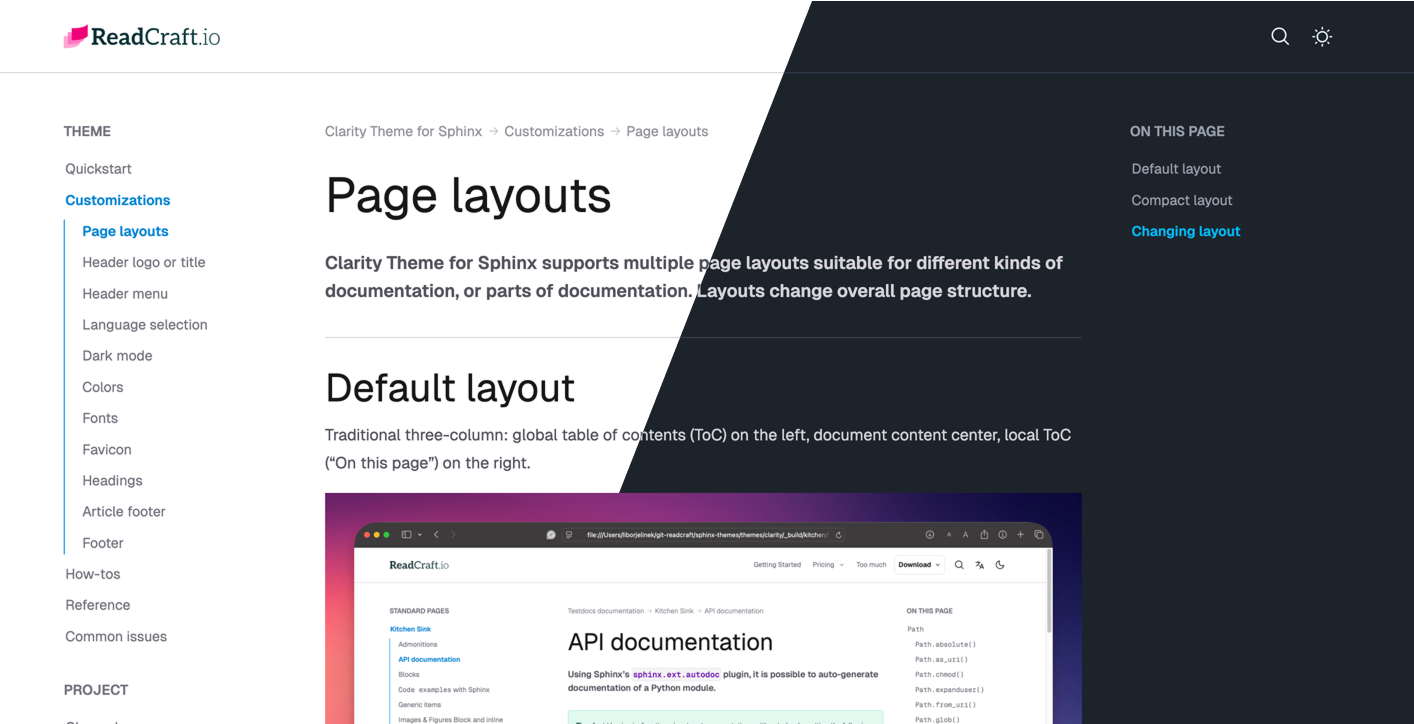
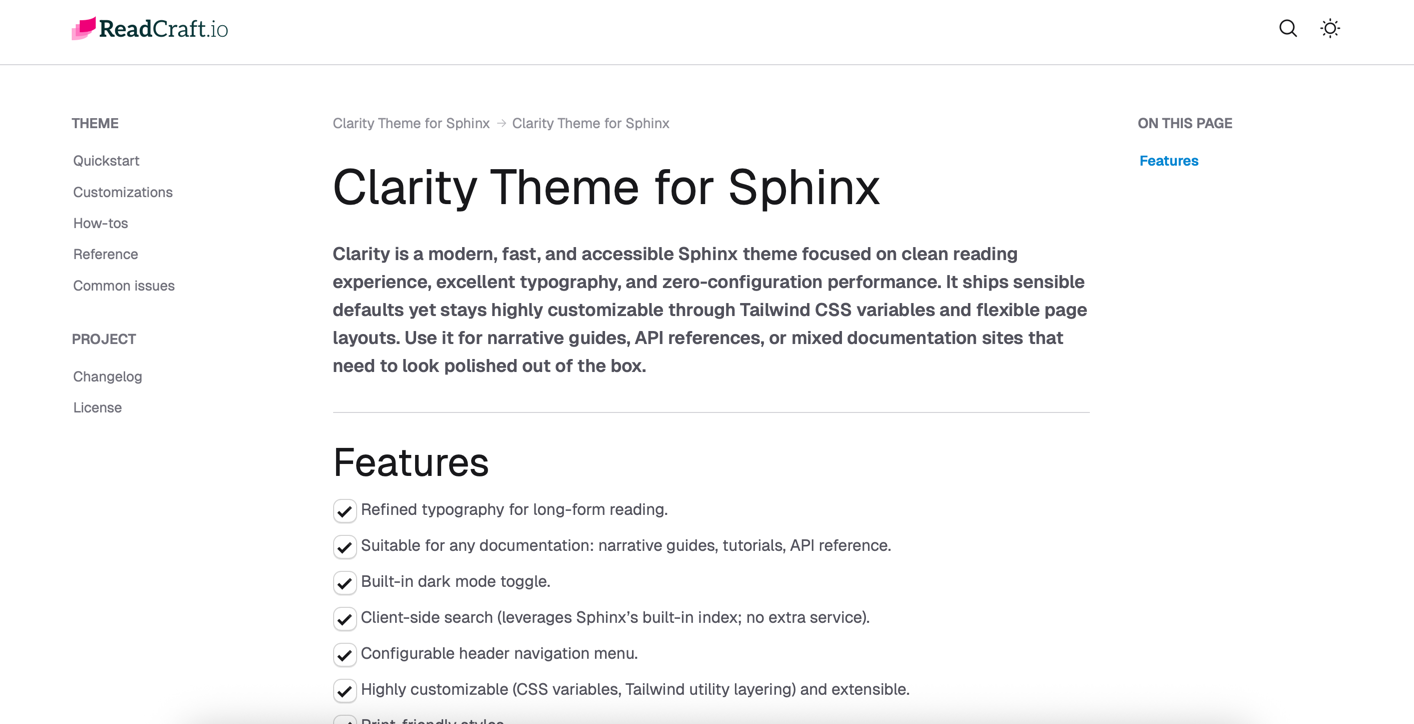
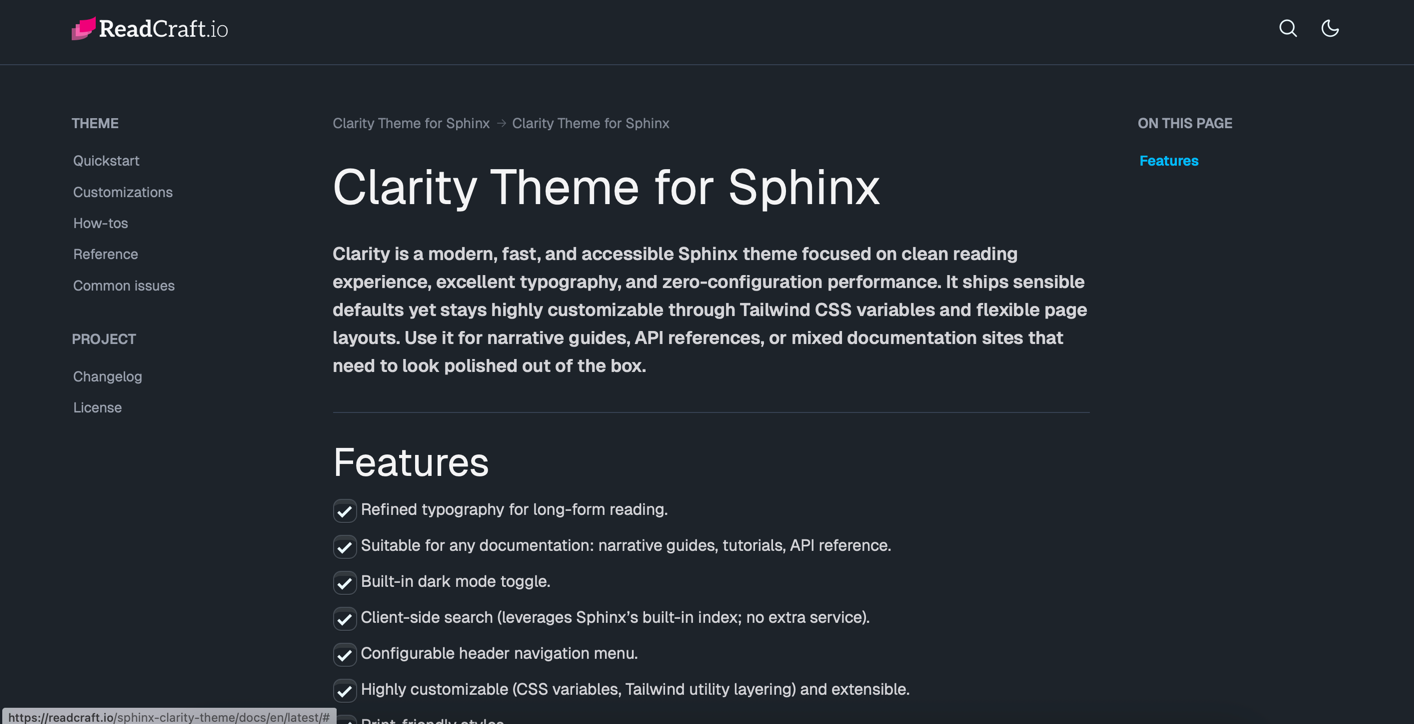
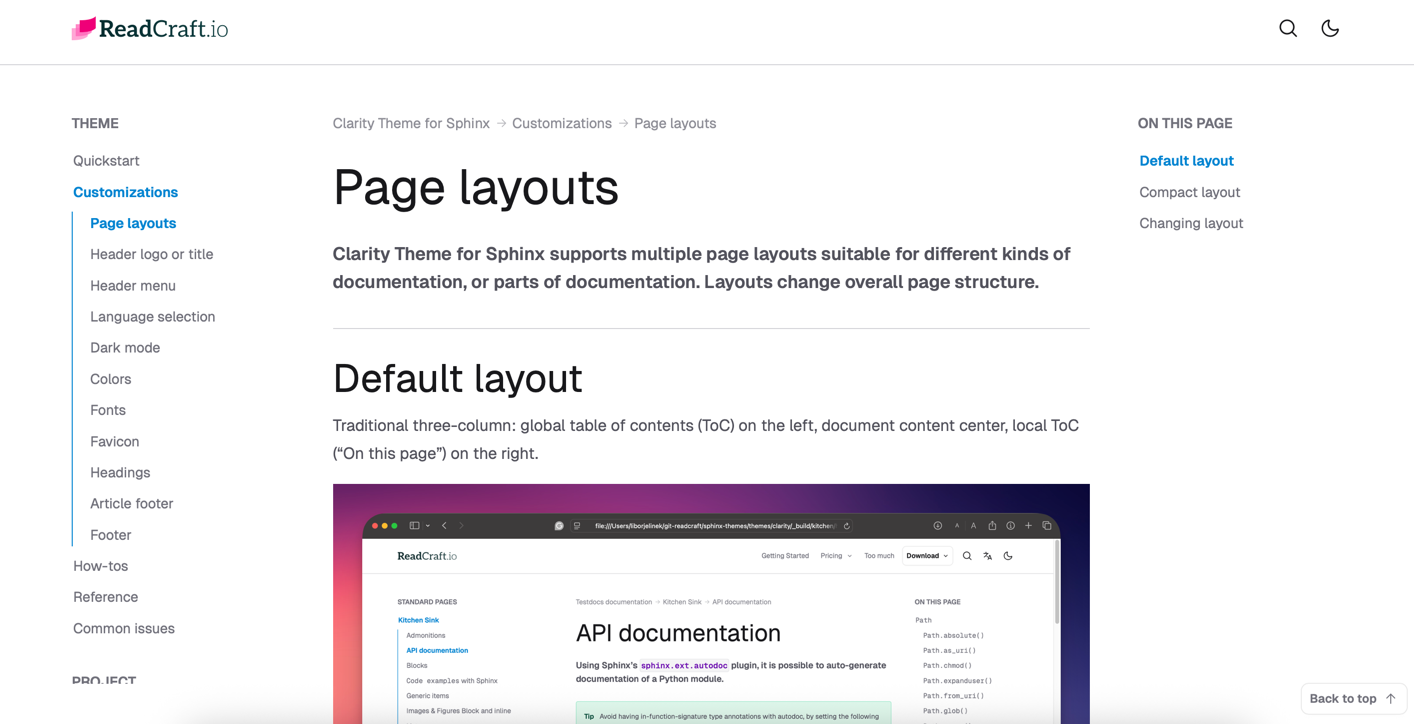





Modern documentation theme for Sphinx that looks great and works fast.

Transform your Sphinx documentation from functional to stunning. Built with Tailwind CSS 4, Clarity Theme for Sphinx gives your content the professional look it deserves.

Includes 1 year of free updates — Instant download

Open Clarity demo

0 layouts

Different page layout for different documentations. Traditionally 3 column or compact 2 column layout.

0 % responsive

Fully responsive design. Optimized for best experience on both mobile and desktop screens.

0 dependencies

No React, no Vue — just pure HTML, CSS, and minimal JavaScript = speed and stability.

0 performance

Full 100 performance Lighthouse score. Blazing fast for people and search engines.

Premium Sphinx Themes

Beautiful, professional documentation themes designed specifically for Sphinx. More themes coming soon.

Featured

Clarity Theme for Sphinx

A clean and professional documentation theme for Sphinx. Modern design with light/dark mode, responsive layout, and beautiful typography.

Read the documentation
Sphinx Tailwind CSS 4 Light/Dark Mode
docs.yourproduct.com
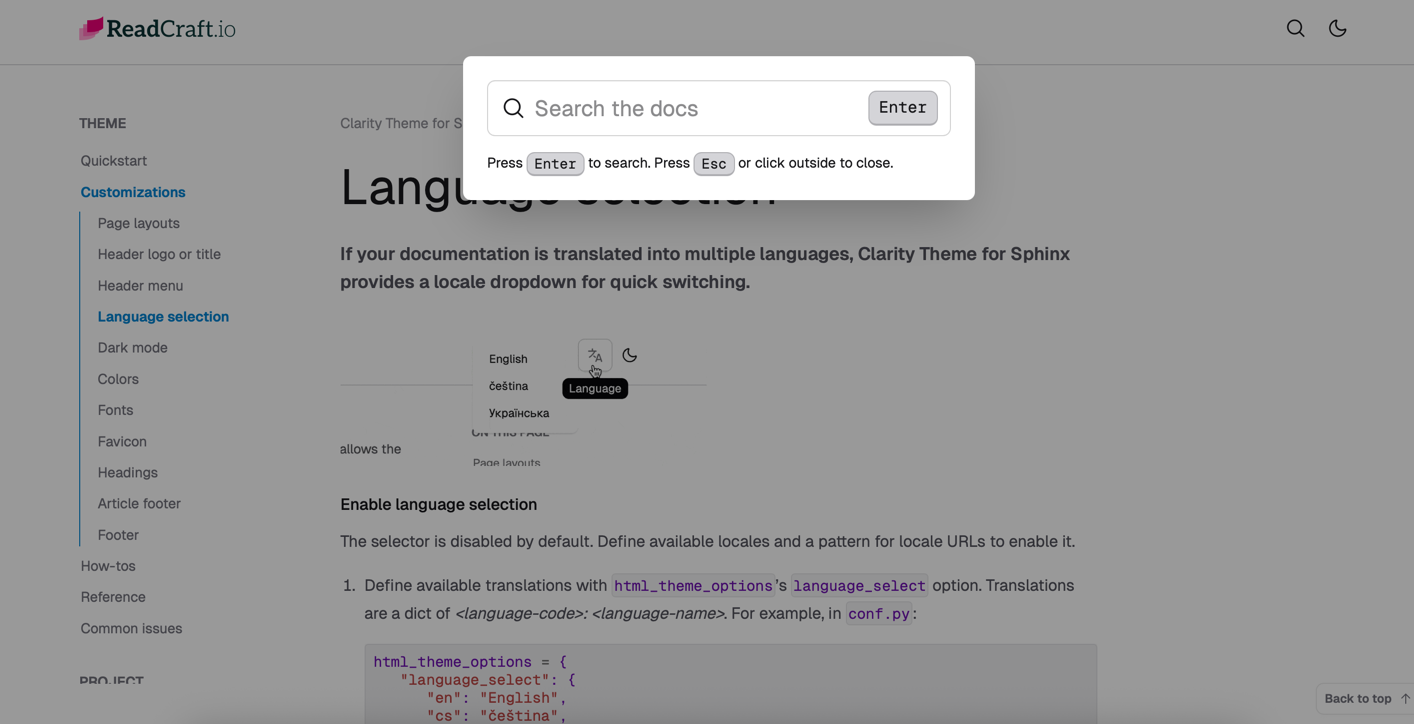
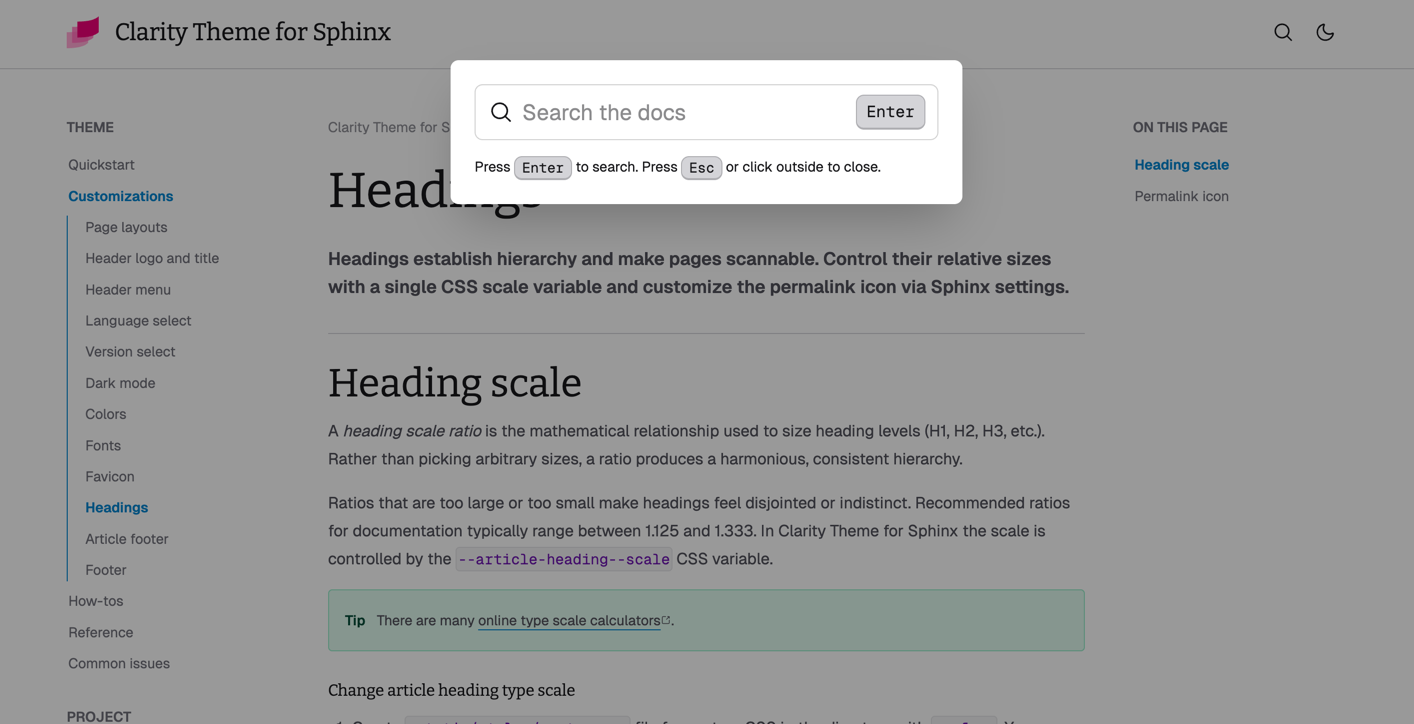
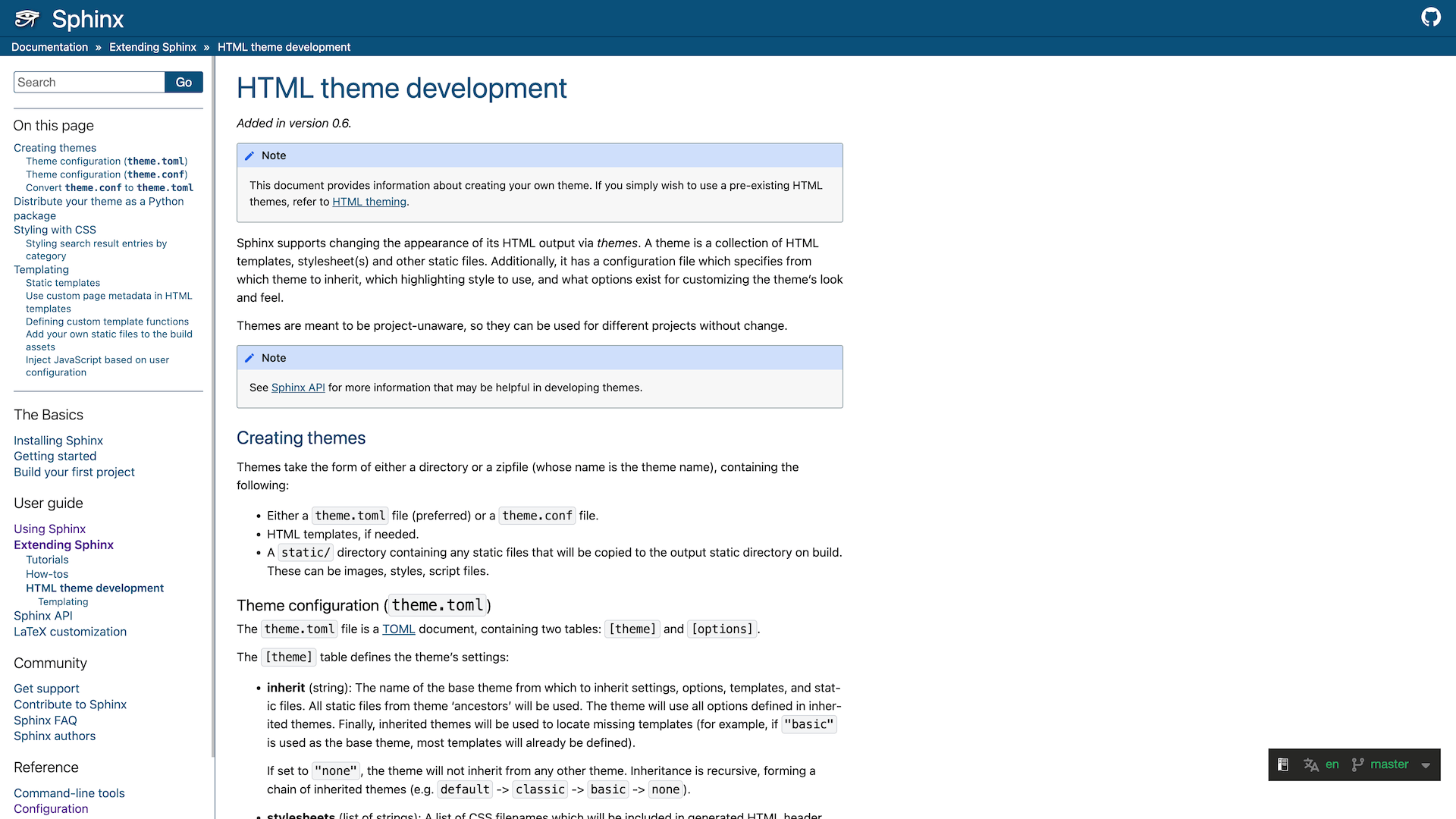
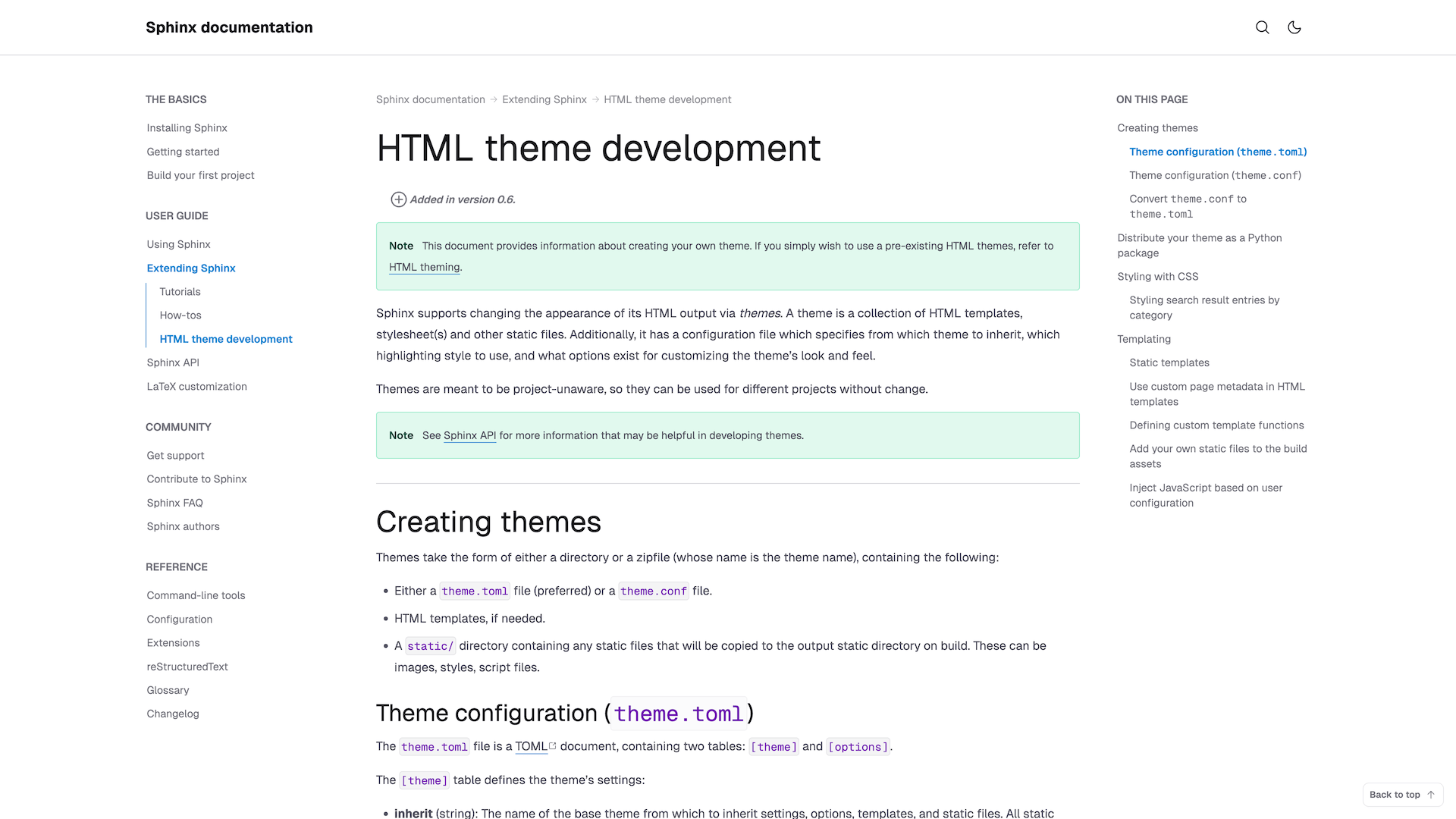
clarity theme screenshot 1clarity theme screenshot 2clarity theme screenshot 3clarity theme screenshot 4clarity theme screenshot 5

More Themes Coming Soon

We're working on additional premium themes with different styles and features. Stay tuned for updates!

Introducing ReadCraft themes

Sphinx themes both people and search engines love to read

Our themes are sleek, accessible Sphinx themes for readable, professional documentation—minimal setup, excellent typography, and modern design.

docs.readcraft.io/en/latest/introduction.html
DocsIntroduction

Refined Typography for Long‑form Reading

Our themes are modern, fast, and accessible Sphinx themes focused on a clean reading experience, excellent typography, and zero‑configuration performance. They ship sensible defaults yet stay highly customizable.

Note
Our documentation features balanced typography making reading pleasant even during long sessions.

Suitable for any documentation

Whether you are writing narrative guides, tutorials, or API references, Clarity adapts to your content structure automatically.

Language switcher

Supports Sphinx i18n features with a sleek language switcher for multilingual documentation.

Print-friendly styles

Looks great even when printed, with optimized styles for PDF export.

Tailwind CSS v4 foundation

Built on the latest Tailwind CSS v4, leveraging its powerful styling and customization options.

Client-side search

Leverages Sphinx built-in index; no extra service. Fast, privacy-friendly, and works offline.

Beautiful defaults

Our themes ship with sensible defaults yet stay highly customizable through Tailwind CSS variables

Performance-oriented

Zero-configuration performance. Minimal JavaScript; optimized for speed.

Simple, Transparent Pricing

Choose the plan that fits your needs. No hidden fees, no surprises—just straightforward value for every product and team size.

Community
0
Free for non-commercial and open-source use.
Features:
30-day money-back
Single
49
One-time purchase for a single theme and single documentation project.
Features:
30-day money-back
All-access
149/year
Full access to all themes and unlimited documentation projects.
Features:
Risk-Free 30-Day Money-Back Guarantee
Not satisfied? Get a full refund within 30 days, no questions asked.

You may not resell, redistribute, or sublicense the Themes; include the Themes in competing products or theme marketplaces; make the Themes available under a different license. See License Agreement for details.

Pricing FAQs

  • Community License Free license for open-source and non-commercial projects, with required attribution.
  • Single License Paid commercial license for one selected theme and one project, including 12 months of updates.
  • All-access License Paid subscription providing access to all current and future themes, usable across multiple projects within one organization.

No. The Community license does not allow:

  • company documentation
  • internal corporate documentation
  • commercial products or SaaS
  • client or paid work

Any company or client-related use requires a commercial license (Single or All-access).

A project is considered commercial if it:

  • generates revenue (directly or indirectly)
  • is part of paid work or employment
  • is developed by or for a company
  • supports a commercial product or service

If money or business is involved at any level, the use is commercial.

Rule of thumb: If you are getting paid, you need a commercial license.

No. You do not own the theme itself. The theme is licensed, not sold.

You own:

  • your content
  • your documentation
  • any custom modifications you make for your project

The original theme and its intellectual property remain the property of the licensor.

Unlimited. All licenses allow:

  • unlimited developers
  • technical writers
  • designers

Licenses are not per seat. They are granted per project or organization, depending on the license type.

Yes. You may modify the theme to fit your project's needs.

However, you may not:

  • redistribute modified versions
  • resell the theme or derivatives as a standalone product

Attribution means a visible credit to the theme author, for example:

"Documentation theme by Theme Name"

  • Community License: ✅ Attribution is required
  • Single / All-access: ❌ Attribution is not required

Attribution is typically placed in the footer of the theme.

You may continue using the theme version you already have.

After expiration:

  • ❌ No access to updates or new versions
  • ❌ No access to new themes (All-access)
  • ❌ No ongoing support

You can renew support or subscription at any time.

Yes, but only with a commercial license.

  • Community license ❌ not allowed
  • Single license ✅ allowed for one client project
  • All-access license ✅ allowed for multiple projects within your organization

If you regularly work with multiple clients, All-access is recommended.

Yes. All-access is ideal for:

  • companies maintaining multiple documentation projects
  • teams that want access to future themes
  • agencies working on multiple internal or client projects

It provides maximum flexibility within a single organization.

Yes, with a commercial license.

  • Community license ❌ not allowed
  • Single / All-access ✅ allowed

Yes. You can upgrade at any time if:

  • you need more themes
  • you start working on multiple projects
  • your requirements grow

Upgrade terms can be handled individually if needed.

No. You may include the compiled documentation output, but you may not:

  • redistribute the theme source files
  • bundle the theme as a reusable asset

Yes. Multiple versions, environments, or deployments (e.g., staging, production) of the same product count as one project.

  • Open-source and non-commercial projects can use the Community license for free
  • Non-profit organizations may request individual discounts or special terms

Please contact us if you are unsure.

Yes. We offer a 30-day money-back guarantee on all paid licenses.

If the theme doesn't fit your project, simply contact us within 30 days of purchase and we'll issue a full refund — no questions asked.

Logo

Beautiful documentation, one click away

Clarity Theme guarantees professional styling for every native Sphinx directive and element, instantly.