





Sphinx docs that are easier to read
for users & teams.

Transform your Sphinx documentation from functional to stunning. Save engineering time by using a professionally designed theme. Better docs reduce support load. Built by Documatt.com.

Dual-licensed under the MIT or Commercial License. For commercial use, the Commercial License is recommended. It offers bonus assets, no attribution requirements, and priority support. See pricing and licensing .

About Clarity theme

Optimized for customer-facing docs

Documentation that people actually read. Clear structure and navigation make it ideal for public docs.

Improved eyes readability metrics

Carefully tuned typography and spacing reduce visual fatigue and improve comprehension.

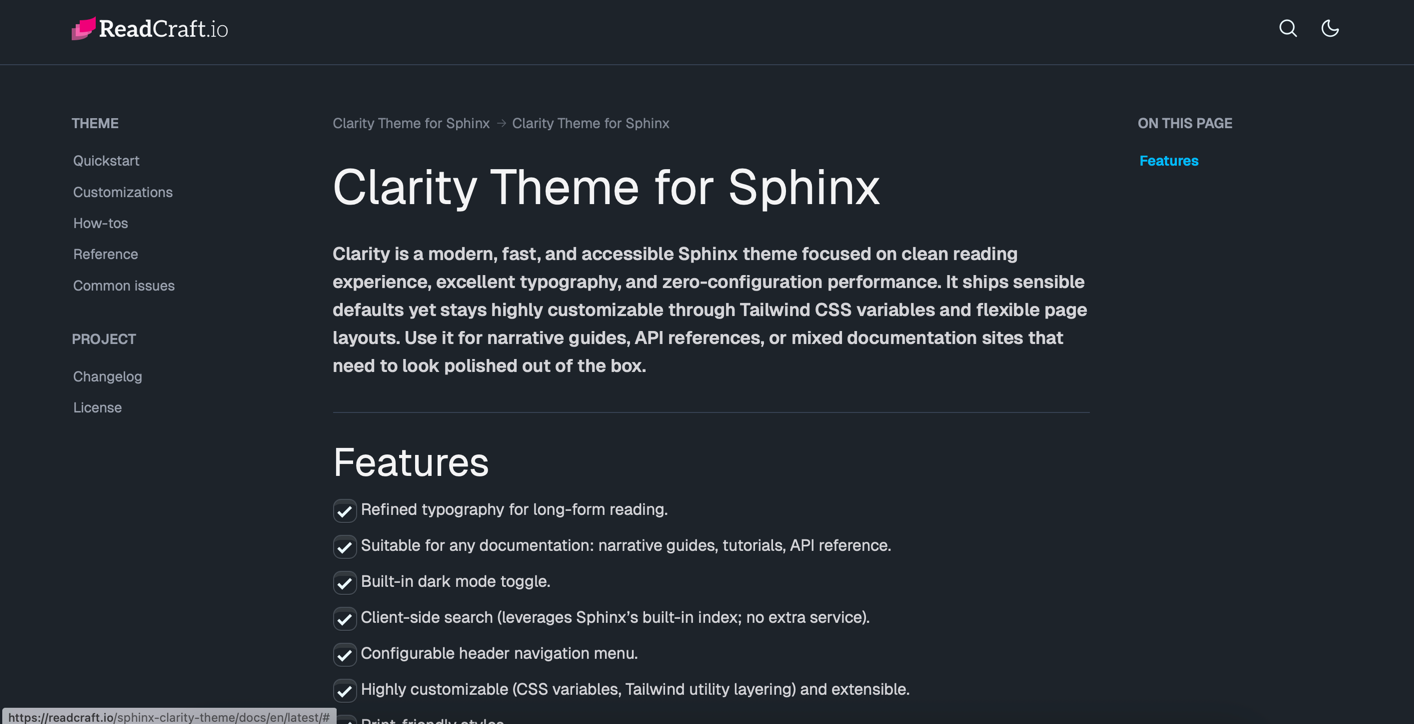
Dark & light mode built-in

Native light and dark mode support that works out of the box and respects user preferences.

Support and low maintenance by design

Sensible defaults keep things simple. Backed by responsive support when you need help.

Same docs, better reading with premium Sphinx themes.

Faster comprehension. Better onboarding. Clearer docs.

Featured

Clarity Theme for Sphinx

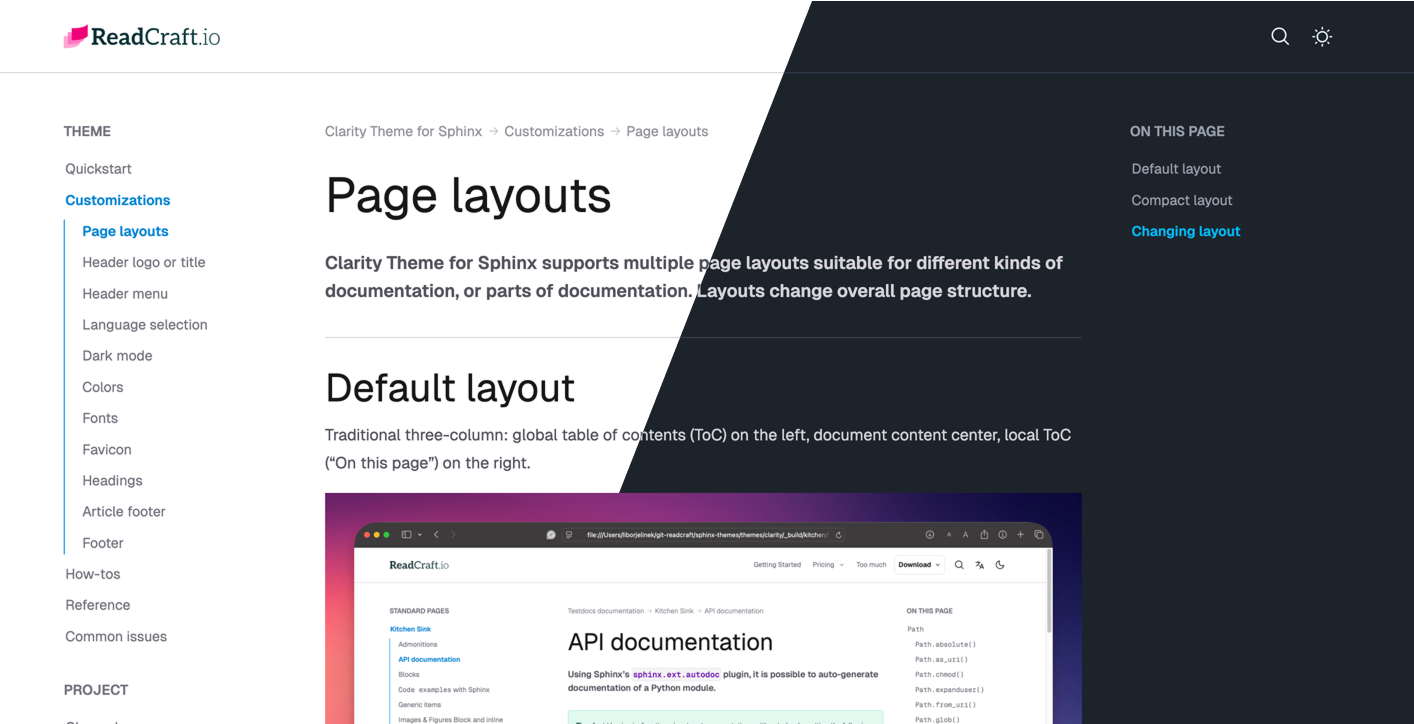
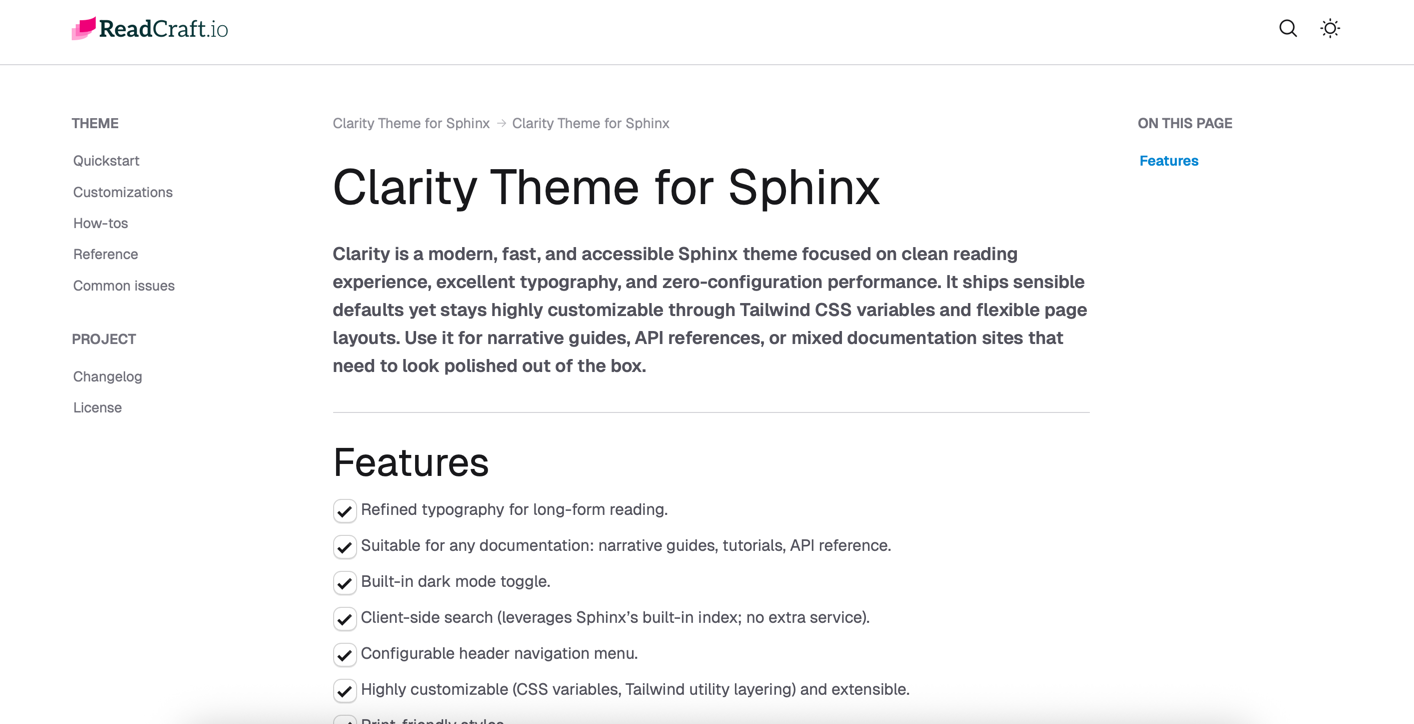
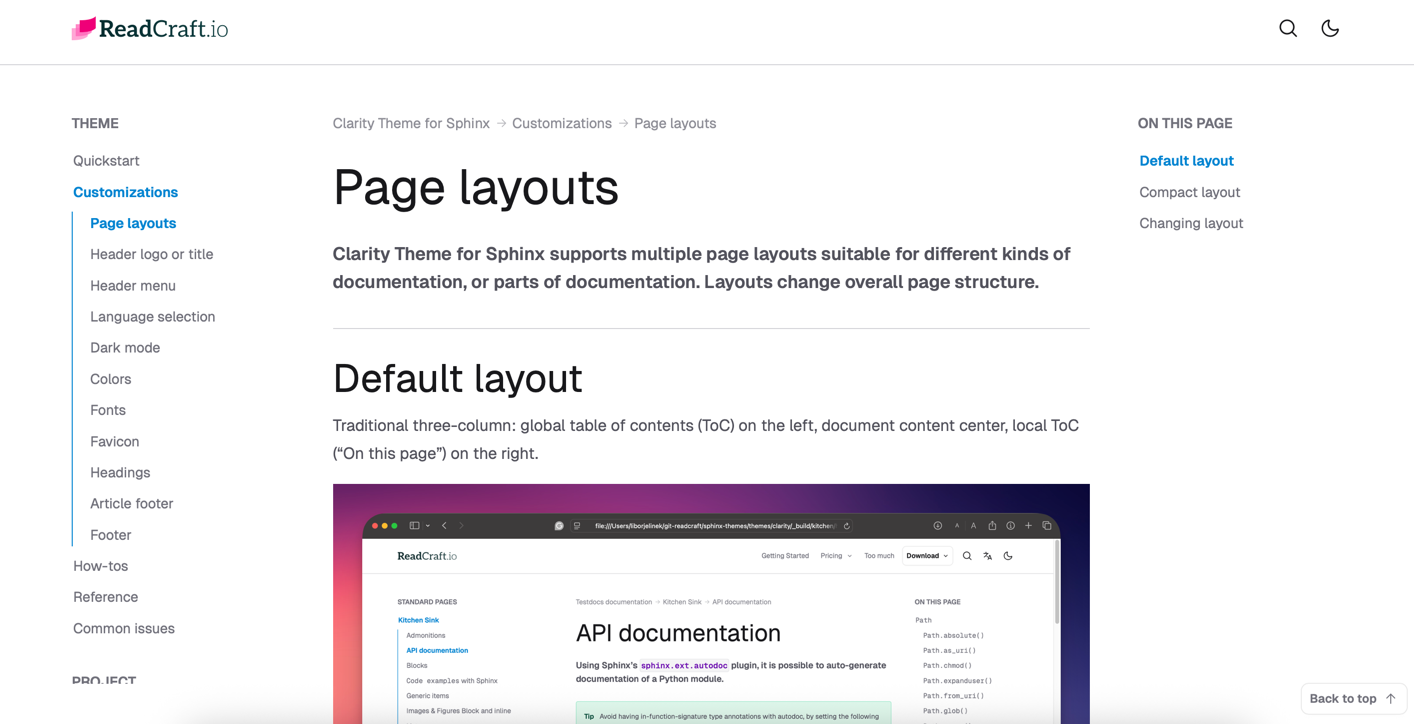
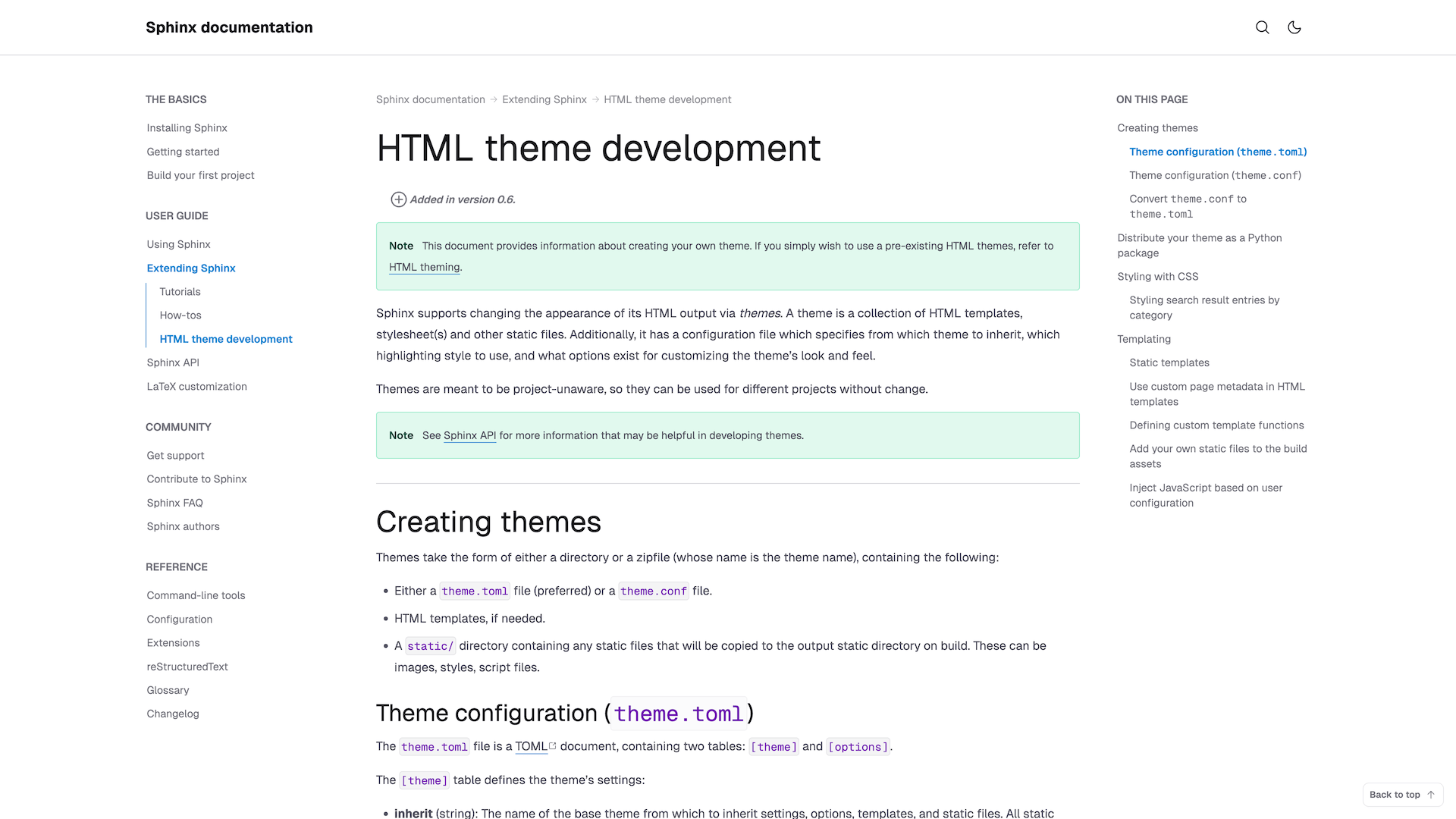
A clean and professional documentation theme for Sphinx. Modern design with light/dark mode, responsive layout, and beautiful typography.

Sphinx Tailwind CSS 4 Light/Dark Mode
docs.yourproduct.com
Clarity Theme for Sphinx screenshot 1Clarity Theme for Sphinx screenshot 2Clarity Theme for Sphinx screenshot 3Clarity Theme for Sphinx screenshot 4Clarity Theme for Sphinx screenshot 5

More Themes Coming Soon

We're working on additional beautiful themes with different styles and features. Stay tuned for updates!

Who is this for?

Built for teams and projects that care about readable, professional documentation using Sphinx.

What early users are saying

Real feedback from people who write documentation for a living.

Jared Dilliard
Documentation Platform Engineer
This looks great, nice work!
Vytautas Liuolia
Software engineer, Falcon framework core maintainer
There are no good Sphinx themes. Yours is what we're searching for 😅
Philipp A.
flying-sheep
Nice, very streamlined! I also really like the comprehensive narrative and reference docs, including “how to figure out that CSS variable name”. Not many are that explicit!
Tomasz Wilczyński
Syncthing maintainer
Looks quite nice, especially the fact that the whole site is wider, fitting more content horizontally (which is great for longer code lines), and I also like the choice of background colours which more clearly distinguish between different types of content.
David Garcia
Documentation Engineer & Consultant
The theme looks really nice!

Pricing and Licensing

Dual-licensed under the MIT or Commercial License. For commercial use, the Commercial License is recommended. It offers bonus assets, no attribution requirements, and priority support.

Community
0
MIT License. Attribution required. Best-effort support. No extra assets.
Features:
30-day money-back
Single
49
Commercial License. No attribution required. Priority support. Figma file.
Features:
30-day money-back
All-access
149/year
Full access to existing and new themes, priority support, all assets.
Features:
Risk-Free 30-Day Money-Back Guarantee
Not satisfied? Get a full refund within 30 days, no questions asked.

Frequently Asked Questions

ReadCraft themes are dual-licensed. You can choose between:

  • the MIT (Community), which is free, or
  • the Commercial License (Single Theme or All-Access), which is paid and includes additional rights and benefits.

You choose the license that best fits your project. You can always start with MIT and upgrade later.

You should consider a Commercial License if:

  • you are building documentation for a company, product, or client
  • you want to remove attribution
  • you need priority support
  • your organization requires vendor-backed licensing
  • you want access to bonus resources (Figma, templates, ...)

Yes, the MIT license allows commercial use.

The difference is not permission to use commercially, but comfort, support, and professionalism. The Commercial License primarily gives you:

  • the right to remove attribution
  • priority support for a defined period
  • access to bonus resources (Figma, templates, ...)
  • legal clarity for corporate and client work

No. You do not own the theme itself. The theme is licensed, not sold.

You own:

  • your content
  • your documentation
  • any custom modifications you make for your project

The original theme and its intellectual property remain the property of the licensor.

Unlimited. All licenses allow:

  • unlimited developers
  • technical writers
  • designers

Licenses are not per seat. They are granted per project or organization, depending on the license type.

Yes. You may modify the theme to fit your project's needs.

However, you may not:

  • redistribute modified versions
  • resell the theme or derivatives as a standalone product

Yes. Both licenses allow client work, but:

  • under MIT, attribution must remain
  • under Commercial License, attribution may be removed

If you regularly work with multiple clients, All-access is recommended.

Bonus assets are allowed for client projects but may not be redistributed.

Yes. All-access is ideal for:

  • companies maintaining multiple documentation projects
  • teams that want access to future themes
  • agencies working on multiple internal or client projects

It provides maximum flexibility within a single organization.

Yes. You can upgrade at any time if:

  • you need more themes
  • you start working on multiple projects
  • your requirements grow

Upgrade terms can be handled individually if needed.

No.

You may not:

  • resell the theme itself
  • bundle it into another theme or template product
  • create a competing theme library or market
  • sublicense the theme or make the theme available under a different license

This applies to both MIT and Commercial licenses.

Yes. Multiple versions, environments, or deployments (e.g., staging, production) of the same product count as one project.

  • Open-source and non-commercial projects can use the Community license for free
  • Non-profit organizations may request individual discounts or special terms

Please contact us if you are unsure.

Yes. We offer a 30-day money-back guarantee on all paid licenses.

If you're not satisfied, we'll refund your payment, and your use of the theme will simply revert to the MIT License terms (including attribution).

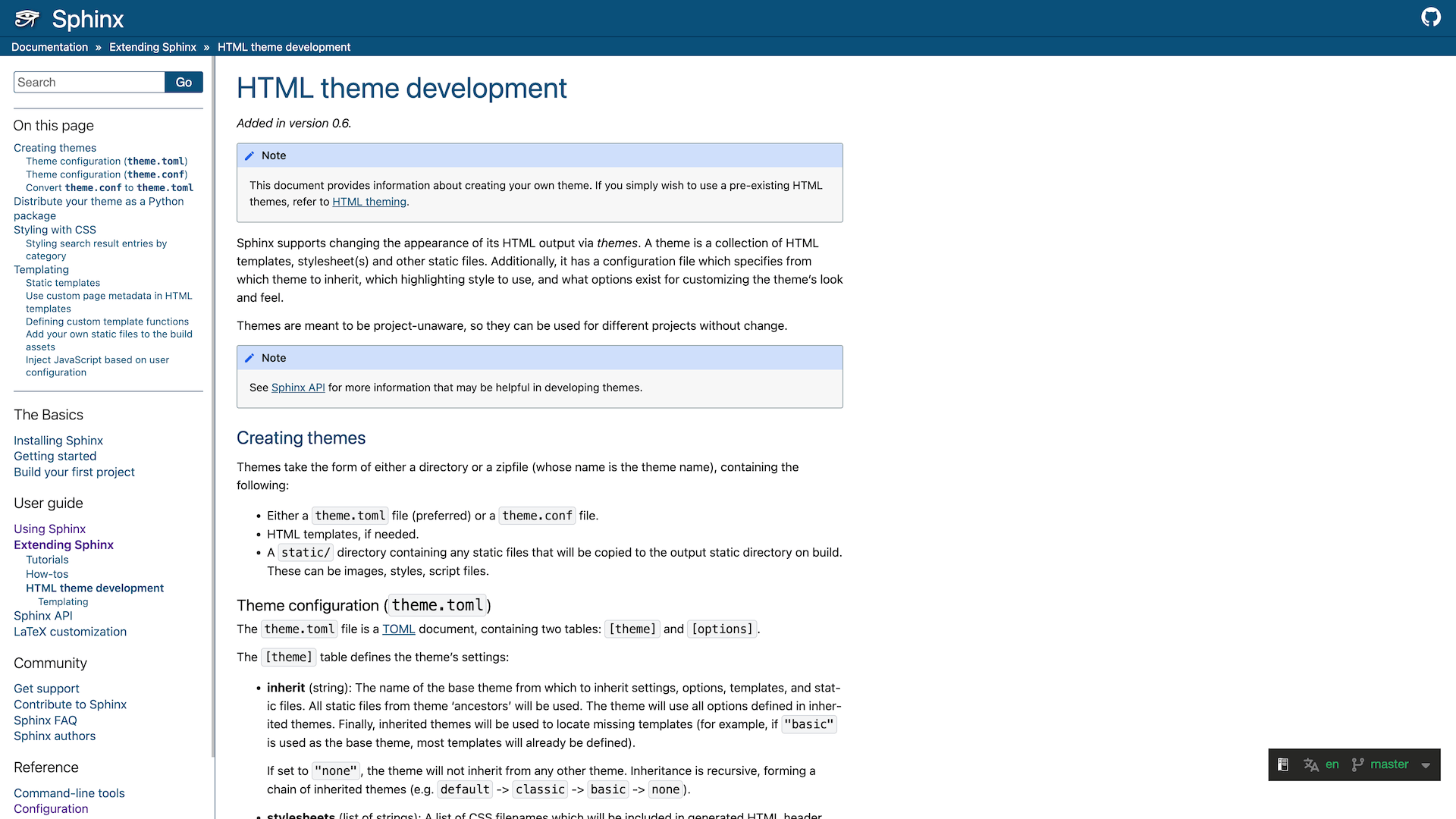
Why not just use the default or open-source Sphinx themes?

They are a solid starting point for quick docs, smaller or internal use. But as your docs grow and become customer-facing, readability, consistency, and long-term maintainability matter more.

That's where ReadCraft themes takes a different approach.

Compare default Clarity theme

Readability out of the box

Designed for reading, not just rendering.

Many open-source and default Sphinx themes focus on structure and flexibility, but rarely how it is experienced during long reading sessions.

ReadCraft themes are reading-first. Designed around how people actually read documentation over time. Line length, spacing, and visual rhythm reduce cognitive load and eye strain, so users can focus on understanding systems, APIs, and workflows — not fighting the layout.

Visual consistency

Consistency over configuration.

Open-source themes often offer many options, but that flexibility can lead to visual drift over time.

We create intentionally opinionated themes, that stays polished.

Maintenance effort

Low maintenance by design.

Default themes often evolve through overrides and patches as needs change.

Our themes ship with sensible defaults that reduce the need for continuous tweaking and maintenance.

Focus on customer-facing docs

Built for public documentation.

Most Sphinx themes are general-purpose, internal or developer-centric use.

On the opposite, we design specifically design for public documentation, where presentation directly affects understanding.

Support & accountability

Clear ownership and support.

Community-driven themes rely on best-effort support.

ReadCraft comes with clear ownership and access to responsive support when you need help.

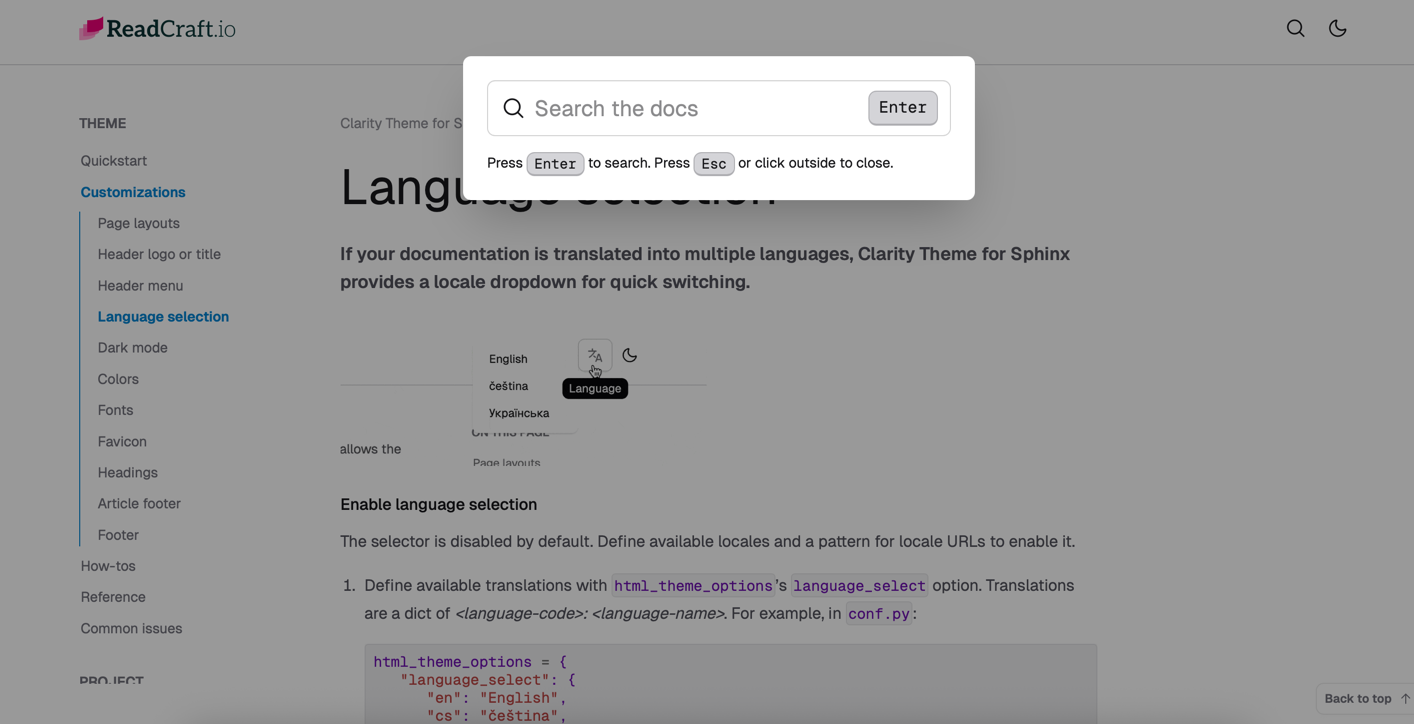
Language switcher

Supports Sphinx i18n features with a sleek language switcher for multilingual documentation.

Print-friendly styles

Looks great even when printed, with optimized styles for PDF export.

Tailwind CSS v4 foundation

Built on the latest Tailwind CSS v4, leveraging its powerful styling and customization options.

Client-side search

Leverages Sphinx built-in index; no extra service. Fast, privacy-friendly, and works offline.

Beautiful defaults

Our themes ship with sensible defaults yet stay highly customizable through Tailwind CSS variables

Performance-oriented

Zero-configuration performance. Minimal JavaScript; optimized for speed.

Logo

Ready to improve your Sphinx docs?

Themes that help teams ship documentation that looks professional and remains readable over time.

Stay informed about new themes

Get release notes, design tips and special offers — unsubscribe anytime.

We respect your privacy..